
CNC Vs 3D Printing: Choose The Right Process Fast
This engineer-to-engineer guide explains CNC vs 3D printing using real decision criteria: tolerance, surface finish, strength, geometry, and quantity. If you’re deciding when to use CNC machining vs 3D printing, use the sections below to pick the best path—and send your CAD to confirm the choice.
Speed
Fast iteration vs setup time.
Precision
Fit, sealing, and assembly realism.
Complexity
Internal channels and organic forms.
Scale
How unit cost changes with quantity.
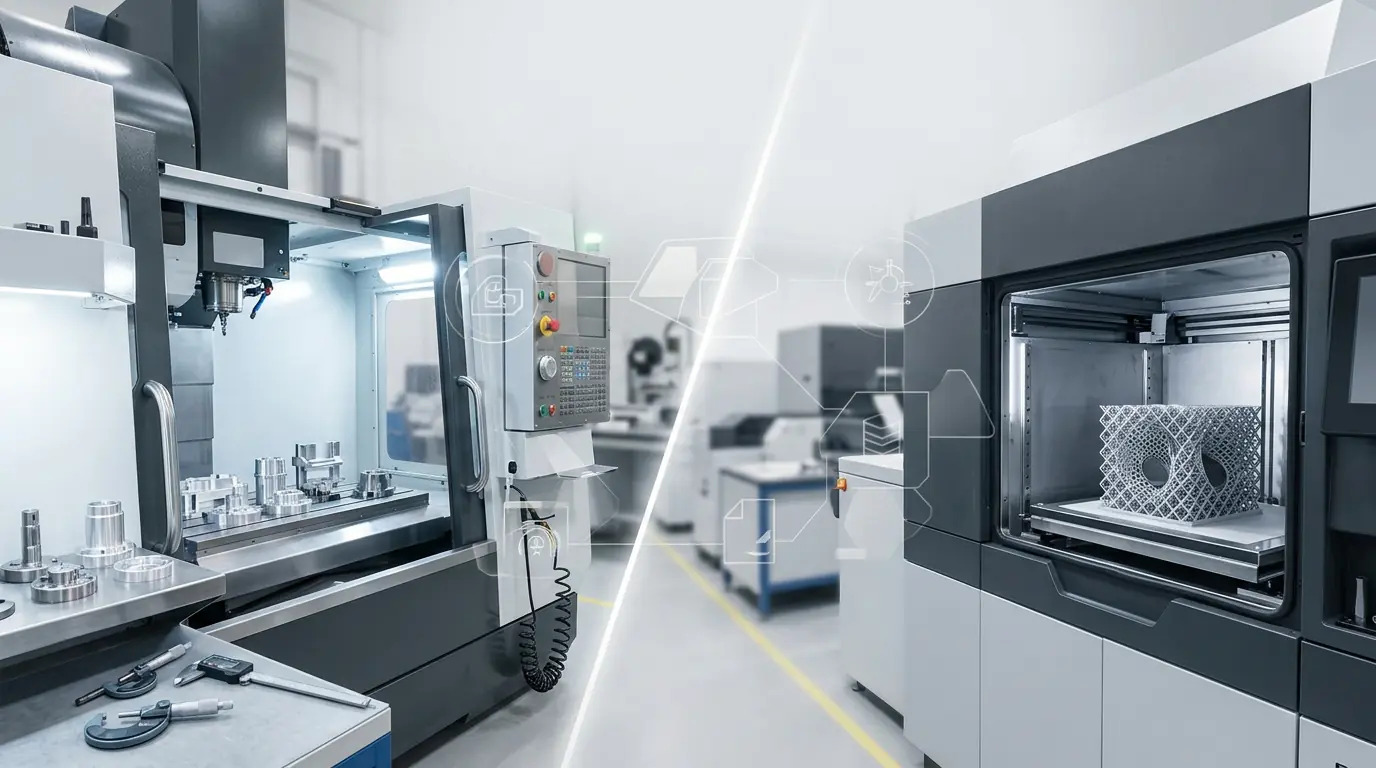
What Is CNC Vs 3D Printing?
CNC machining and 3D printing both make real parts, but they trade off differently. CNC removes material to hit predictable geometry, tight fits, and clean surfaces. 3D printing builds parts layer by layer to unlock complex shapes fast—especially when iteration speed matters more than surface finish.
How To Choose In 30 Seconds
Choose CNC
When you need tight tolerances, stable datums, smooth sealing faces, or production-grade materials.
Choose 3D Printing
When you need fast iteration, complex internal geometry, lightweight lattices, or low-quantity prototypes.
Choose Hybrid
Print for fit-checks and ergonomics, then CNC critical interfaces for accuracy and repeatability.
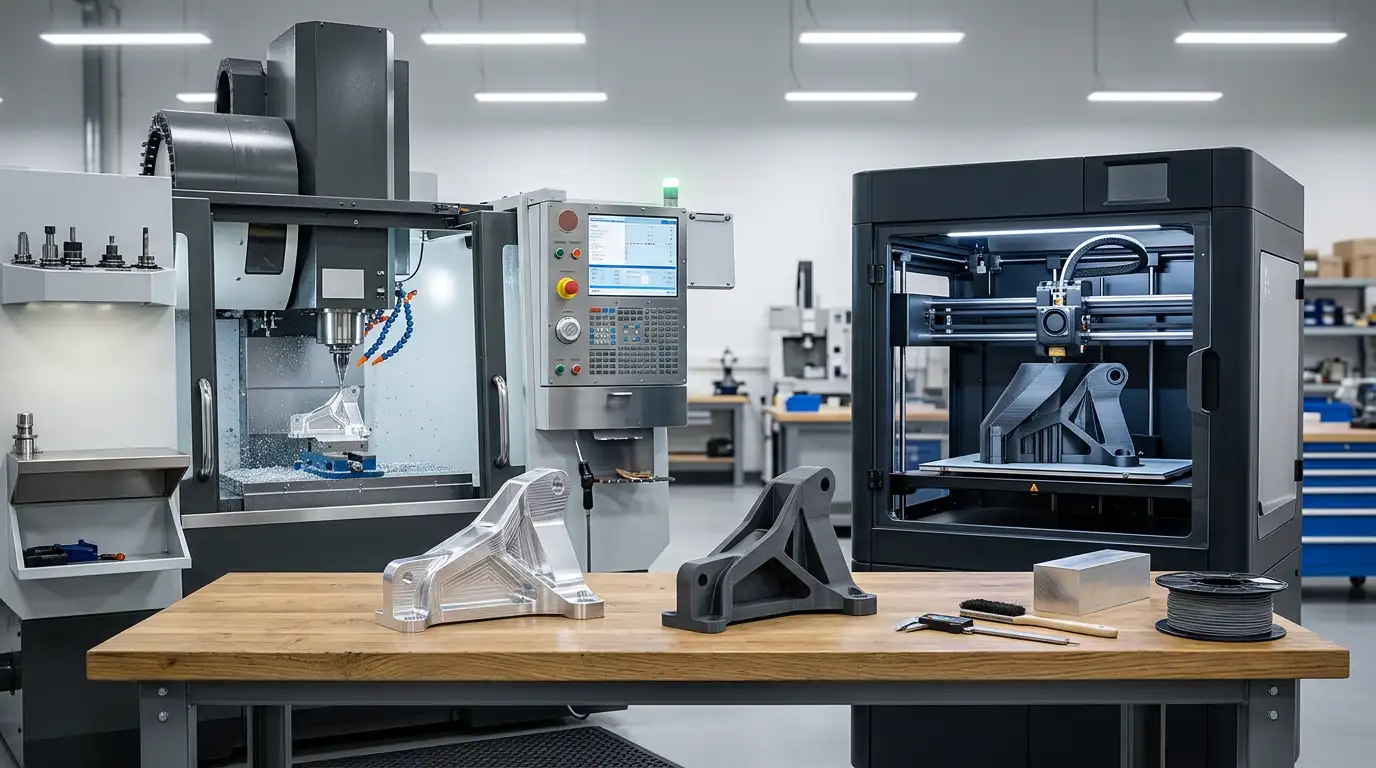
Tip: Start from your CTQs (fits, seals, alignment). Those features usually decide the process.
Decision Workflow: Choose CNC Or 3D Printing In 6 Steps
This workflow mirrors how engineering teams avoid wrong-process prototypes and surprise rework. Follow it in order to match cost, lead time, and risk to your real requirement.
Six-Step Selection
- Mark CTQs: fits, seals, bearing seats, mating planes.
- Define quantity: one-off validation, pilot, or repeat orders.
- Check surface requirements: sealing, sliding, optics, cosmetics.
- Check material needs: temperature, wear, stiffness, chemical resistance.
- Evaluate geometry: deep internal channels vs tool access.
- Pick evidence: what inspection proof is needed to approve the build.
Fast Rule Map
| If Your Priority Is… | Usually Better | Why |
|---|---|---|
| Fit / alignment repeatability | CNC | Stable datums and predictable tolerances. |
| Complex internal geometry | 3D Printing | Channels and lattices without tool access limits. |
| Lowest risk for production | CNC | Mature process control and inspection paths. |
| Fastest iteration cycle | 3D Printing | No fixturing and fewer programming constraints. |
Comparison Table: CNC Machining Vs 3D Printing
The numbers below are typical published ranges and can vary by material, machine, and part geometry. Use them to frame expectations, then confirm for critical features.
| Criteria | 3D Printing | CNC Machining |
|---|---|---|
| Best For | Complex geometry, rapid iteration, low quantity. | Precision interfaces, strong functional parts, repeatability. |
| Typical Tolerances | Varies by process; often ~±0.1–0.5 mm (published examples vary by technology). | Often ~±0.025–0.125 mm (typical guidance ranges). |
| Surface Finish | May show layer texture; post-processing often needed for cosmetic or sealing faces. | More uniform; can be bead blasted, anodized, polished, etc. |
| Strength | Depends on process/material; can be anisotropic along layer directions. | Near-native, generally isotropic material behavior from stock. |
| Cost With Quantity | Often stays more linear per part at low quantity. | Setup cost can amortize; unit cost can drop as quantity increases. |
| Geometry Limits | High freedom (internal channels, lattices, organic forms). | Limited by tool access, undercuts, and minimum internal radii. |
Reference guidance compiled from leading digital manufacturers’ published comparison pages (Hubs/Protolabs Network, Protolabs, Xometry, Fictiv). See external references in the workflow section.

Cost And Lead Time: What Changes Between CNC And 3D Printing
To compare fairly, separate one-time work (setup, programming, orientation strategy) from per-part cost (cycle time, support removal, finishing). The “cheapest” process depends on which bucket dominates your order.
Upfront Effort
CNC may need fixturing and CAM; 3D printing needs orientation and support planning. Complexity shifts where time is spent.
Per-Part Cost
CNC cost tracks machining time; 3D printing cost tracks print time, material, and post-processing.
Finishing And Inspection
CNC often delivers a cleaner surface out of the machine; printed parts may need sanding, sealing, or machining of critical faces.
Cost Drivers (Side-By-Side)
| Driver | CNC | 3D Printing |
|---|---|---|
| Geometry complexity | More toolpaths and setups | Often minimal impact until supports dominate |
| Tight tolerances | More time + inspection | Often requires post-machining on CTQs |
| Quantity | Drops with repeatability | Good for low quantities; scaling depends on printer capacity |
| Surface finish | Good baseline | May require extra finishing for cosmetics/seals |
Checklist: Decide CNC Vs 3D Printing Before You Commit
Use this checklist before you lock a prototype plan. It prevents the common failure mode: printing a part that should be machined (or machining a part that should be printed) and losing weeks in redesign.
Decision Checklist
Function First
List CTQs: fits, seals, alignment, sliding surfaces. If CTQs dominate, plan CNC on those faces.
Material Reality
Confirm the printed material truly matches stiffness, temperature, and chemical needs—not just appearance.
Finishing Plan
Decide if you can accept layer lines, or if post-processing/machining is required for approval.
Fast Picks
CNC Is Usually Best When
You need tight fits, sealing faces, tapped threads that must hold torque, or production-like surface finish.
When 3D Printing Is Usually Best
You need quick iteration on shape, internal channels, jigs/fixtures, or low-quantity fit checks.
Production Impact: Repeatability, Quality Control, And Scaling
The real difference shows up after the prototype. CNC and 3D printing can both work, but they scale differently in inspection effort, variability, and throughput.
Repeatability
CNC relies on stable datums and controlled machining; printing relies on machine calibration, orientation, and consistent post-processing.
Inspection Strategy
CNC CTQs are often easier to measure directly. Printed parts may need extra checks for warpage, porosity, or dimensional drift.
Scaling Volume
CNC scales with fixtures and cycle time; printing scales with printer farm capacity and post-processing bandwidth.
When Hybrid Wins
Hybrid builds are common in robotics and automation: print complex housings or ducts quickly, then CNC critical interfaces (bearing bores, sealing faces, alignment datums) so the assembly fits on the first try.
| Printed For | Machined For | Outcome |
|---|---|---|
| Form/fit iteration | CTQ interfaces | Faster approval with production-like fit |
| Internal channels | Sealing planes | Reduced leak risk |
| Lightweight structure | Mounting datums | Stable alignment under load |
Case Study: Hybrid Prototype That Assembled On The First Try
A team needed a fast prototype for an automation module. The outer geometry changed daily, but the bearing seats and mounting datums had to be stable to validate motion and alignment.
Problem
Pure 3D printing was fast, but the CTQ interfaces drifted after finishing. Pure CNC met CTQs, but iteration speed was too slow for daily design changes.
Solution
Printed the non-CTQ housing to iterate quickly, then CNC machined the bearing bores, sealing face, and mounting datums to lock alignment.
Result
The first assembly met alignment targets without hand fitting, and the team validated motion performance while continuing to iterate on the outer form.
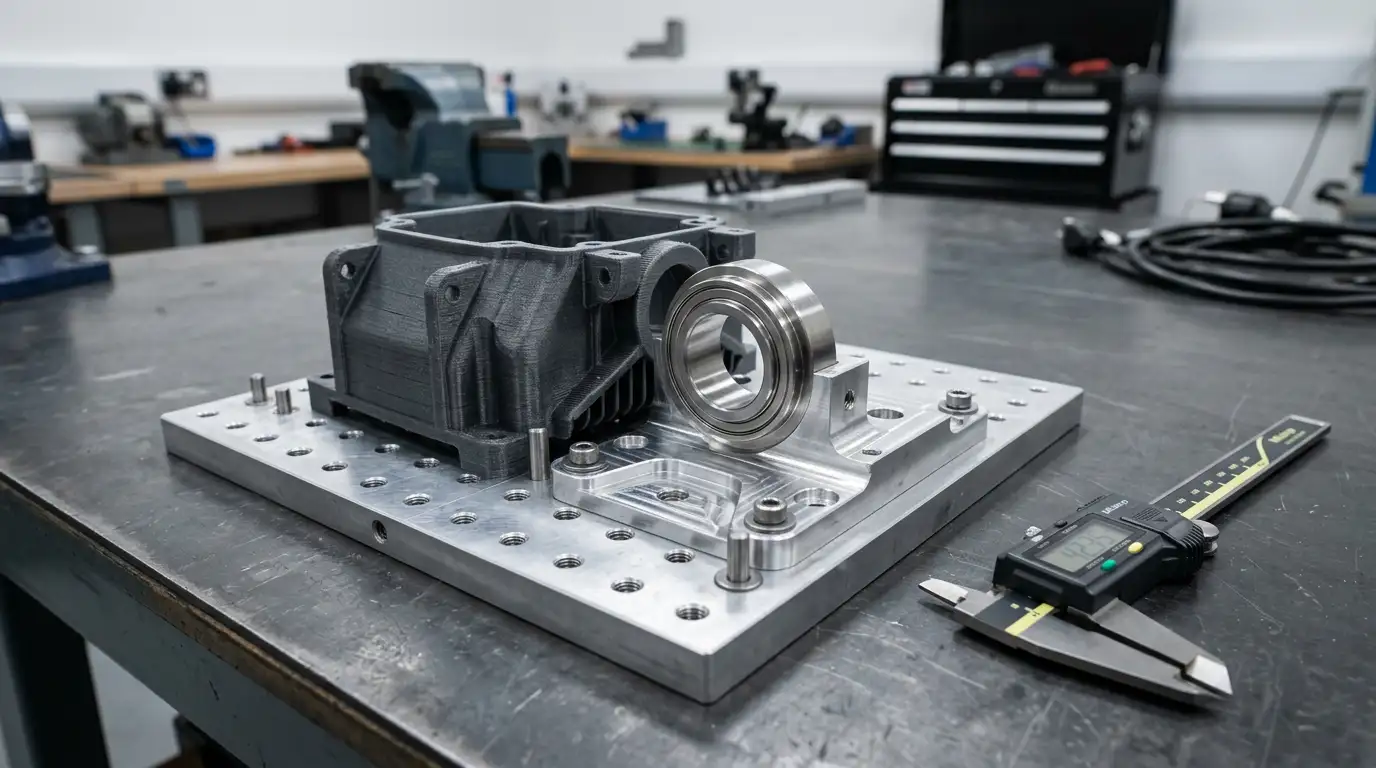
Why Hybrid Worked
3D printing protected iteration speed, while CNC protected CTQs. The approval decision became about function, not surface rework.

DFM for CNC machining — FAQs
Quick answers to common engineering and purchasing questions when you’re preparing a machinable design for RFQ and production.