
CNC Machining Resources Hub
Decision-ready guides for DFM, tolerances, cost drivers, process selection, materials, and quality control—written for engineering and procurement teams in the United States & Canada.
Solve Your CNC Problems First
Most quote delays, rework, and missed tolerances trace back to a small set of decision points. Start here if you’re troubleshooting a part or preparing a clean RFQ package.
Understand The Cost Model (So Your Design Changes Move The Quote)
CNC pricing is often more explainable than it looks. The key is separating one-time effort (programming/setup) from per-part effort (machining + inspection + handling).
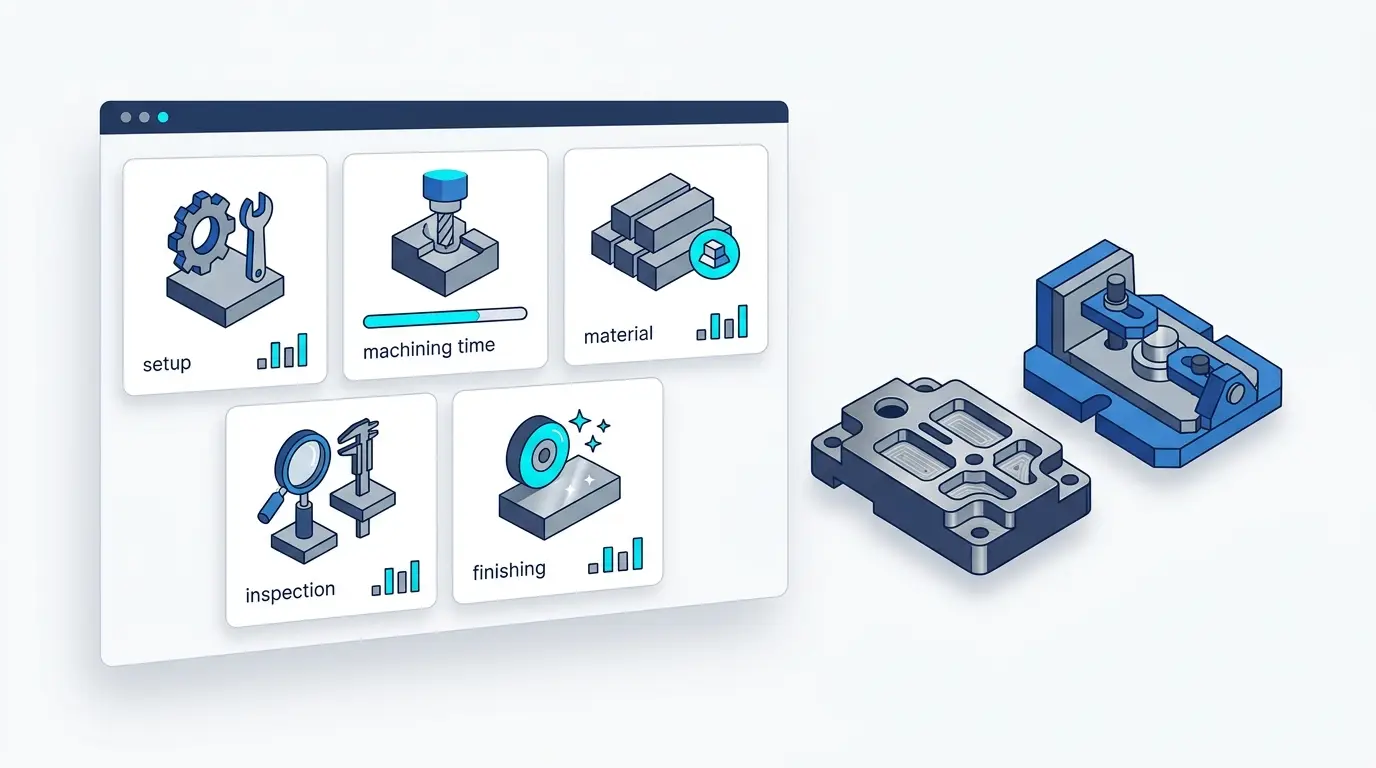
Typical Cost Buckets
A practical breakdown used in many CNC quoting workflows.
| Cost Bucket | What It Includes |
|---|---|
| Setup & programming | Fixture plan, CAM, first setup |
| Machining time | Roughing + finishing + tool changes |
| Material | Stock selection + scrap allowance |
| Inspection | CMM time, reporting, gaging |
| Finishing & handling | Deburr, anodize, plating, packaging |
Five High-Leverage Design Levers
These are the changes that most often reduce cycle time and inspection burden without changing the part’s intent.
Choose The Right Process
Process selection is usually a trade between tooling investment, revision speed, per-part cost, and tolerance/finish requirements. This table supports an early-stage decision conversation.

| Decision Factor | CNC Machining | 3D Printing | Injection Molding | Die Casting |
|---|---|---|---|---|
| Best when | Functional prototypes, low–mid volume, precision features | Early prototypes, complex geometry, no tooling | Higher-volume plastic parts with stable design | Higher-volume metal parts with stable design |
| Upfront cost | Low | Low | High (tooling) | High (tooling) |
| Revision speed | Fast | Fast | Slow (tool changes) | Slow (tool changes) |
| Typical tolerance | High / repeatable (with inspection) | Varies by process/material | Good for molded features; warpage dependent | Good for cast features; post-machining for criticals |
| Material choice | Very wide | Limited by printer/material | Wide plastics; filled resins common | Common casting alloys |
From CAD To Parts: What A Low-Risk Workflow Looks Like
If you’ve been burned by surprises (missed tolerance, wrong finish, unclear datums), the fix is usually a clearer workflow and a shared definition of ‘done’.

Process Technology Guides
Five practical guides that answer the questions engineering and sourcing teams ask when comparing suppliers.
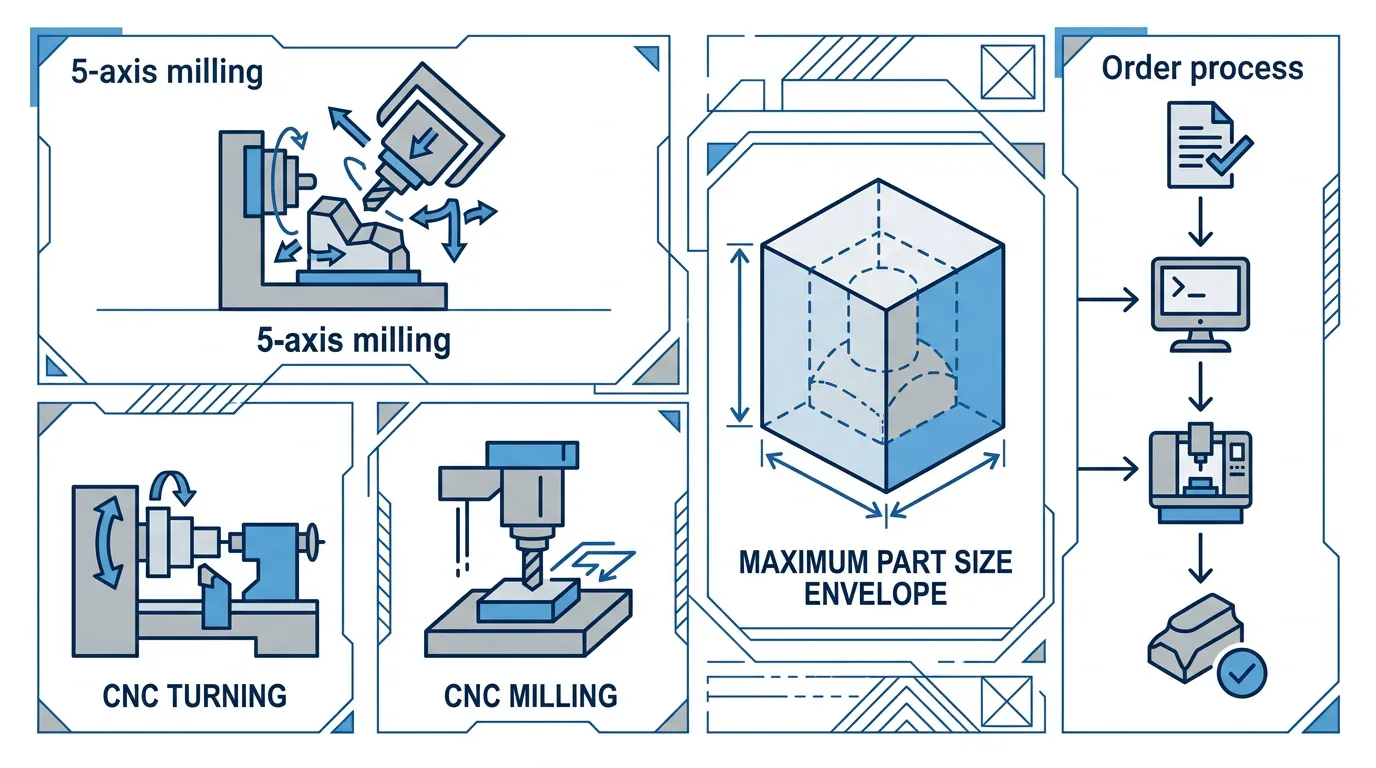
Design Center: 9 DFM Rules That Prevent Avoidable Rework
Why the rule exists, what it changes in the process, and how it affects inspection risk.
Materials Database: Compare Quickly, Then Go Deep
Start with quick comparison tables (metals, engineering plastics, and high-performance plastics), then jump into the full Materials Hub.
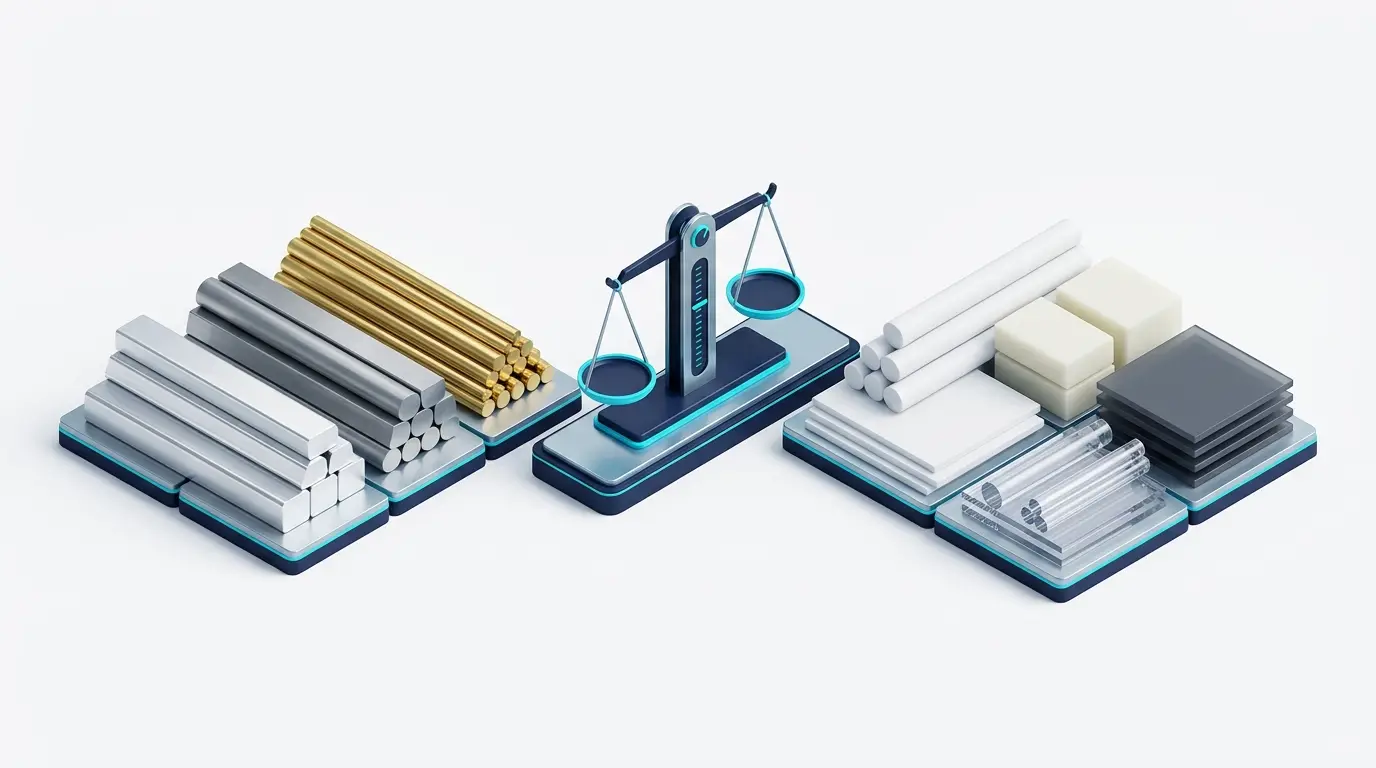
Jump To Material Pages
View the full materials hub (metals + plastics), then open any specific material page.
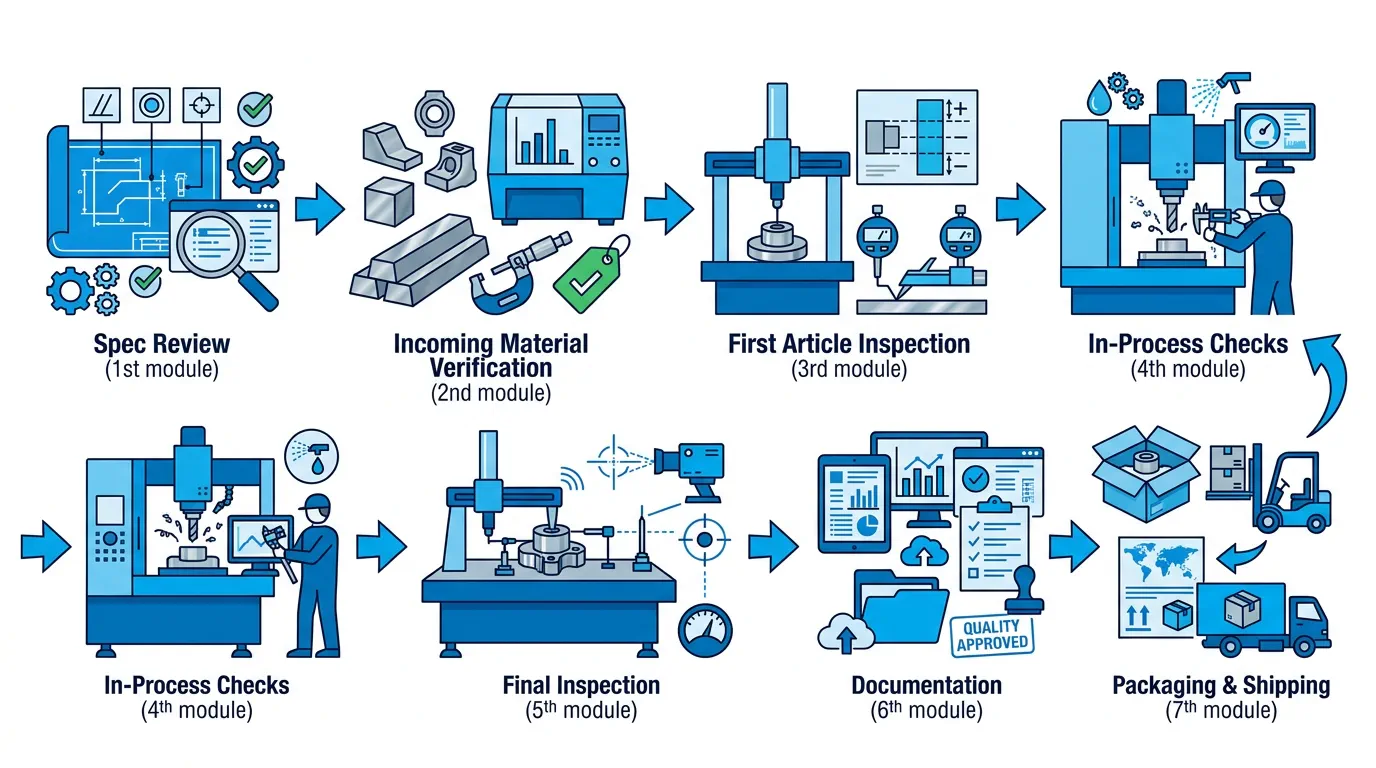
Quality Control: Workflow, Evidence, And Certificates
Define what ‘good’ means, then prove it with inspection evidence and traceability.

QC Workflow (Documentation-First)
Certificates & Compliance (Visual Snapshot)
Click any certificate to enlarge.
Success Cases: Challenge, Solution, Impact
Patterns we see across industries: what went wrong, how we diagnosed it, and what we measured to confirm the fix.
Featured Resources (Start Here)
Curated high-impact resources designed to reduce ambiguity and prevent iteration loops.

Download Center: Tools You Can Attach To Your Next RFQ
Short, practical documents you can share internally or attach to an RFQ.
Frequently Asked Questions
Quick answers to the questions we see most often from engineering and sourcing teams.
If You Want DFM Feedback, Start With The Minimum Useful Package
To get actionable DFM feedback fast, send a compact, supplier-ready package: CAD + drawing + critical features + material/finish + inspection intent.

Minimum Useful Package
- 3D CAD (STEP preferred) + 2D drawing/PDF with revision
- Critical features (datums, GD&T, fit features) clearly marked
- Material, heat treat (if any), and surface finish requirements
- Inspection plan: what must be measured + reporting format
- Quantity + target lead time + any special packaging